
How to Upload Product Documents & Prove Quality | ChemDmart Step-by-Step Guide
Want to prove your product quality to serious chemical buyers? 📄✅ Here’s your step-by-step guide to uploading product documents on ChemDmart: Step 1: Access the Documentation Section ✔️ Go to “Company Product Docs” from your dashboard sidebar ✔️ Click to enter the documentation section Step 2: Upload Product Documents ✔️ Select “Product Docs List” → Click “Add Product Docs” ✔️ Upload all technical & compliance documents for each product Step 3: Add Required Documents 📌 Certificate of Analysis (COA) 📌 MSDS/SDS 📌 Product Specification Document
More Videos
How to Upload Product Documents & Prove Quality | ChemDmart Step-by-Step Guide
How to Sell Bulk Chemicals Online? | Step-by-Step Guide with ChemDmart
How to Build Trust with Chemical Buyers Online | ChemDmart Guide
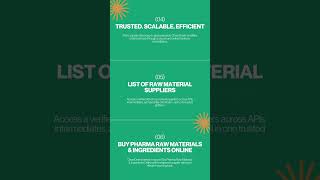
🚀 Welcome to ChemDmart – Pharma & Chemical E-Marketplace!

🚀 What is Chemxpert?